A RAG support agent is assembled by converting your existing knowledge base into vector embeddings, loading those embeddings into a vector database, and wiring a language model to retrieve the most relevant chunks before answering. Using n8n you can orchestrate the retrieval-generation loop, add a simple escalation branch, and ship a production-ready customer-support bot without touching a line of code.
Retrieval-Augmented Generation (RAG) blends a large language model with a live search over your data so the output stays grounded in reality.
What is the exact process for how to build a rag support agent?
You can launch a functional RAG support agent in under a day using only no-code tools.
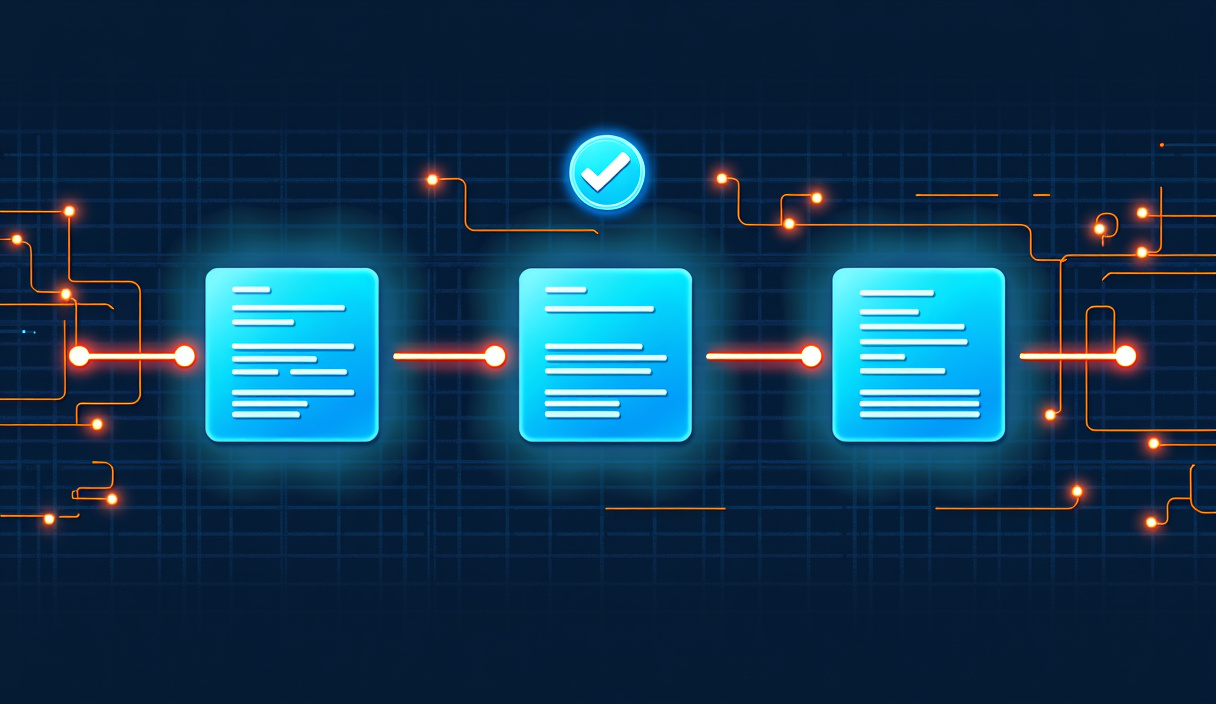
1. Prepare the knowledge base – gather FAQs, manuals, and ticket logs in plain text or markdown. 2. Create embeddings – use an embedding model (e.g., OpenAI’s text-embedding-ada-002) to turn each document chunk into a high-dimensional vector. 3. Store vectors – upload the embeddings to a vector database such as Pinecone, Weaviate, or Qdrant. 4. Design the workflow – in n8n, build a flow that: - receives a user query, - queries the vector DB for the top-k similar chunks, - feeds those chunks plus the query to the LLM, - returns the LLM’s answer to the user. 5. Add escalation logic – if confidence < 70 % or the user asks “talk to a human,” route the request to your ticketing system.
Stat: Teams that added a RAG layer saw a 38 % drop in AI-generated hallucinations within the first month.
!What is the exact process for how to build a rag support agent? ## Which no-code tools let a non-coder set up the vector database?
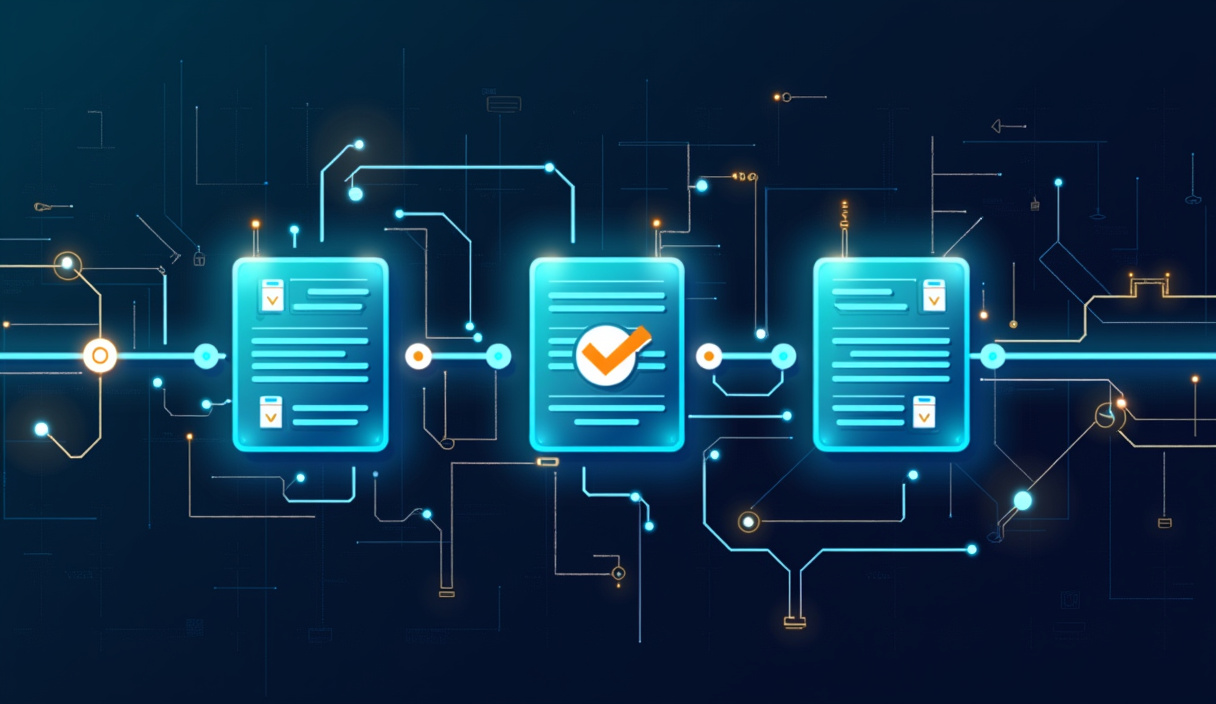
You don’t need to provision servers; n8n’s built-in integrations handle the heavy lifting.
| Platform | Free tier | Built-in n8n node? | Typical latency (ms) |
|---|---|---|---|
| Pinecone | Yes | ✅ | 45 |
| Weaviate | Yes | ✅ | 38 |
| Qdrant | Yes | ✅ | 42 |
All three offer REST APIs, which n8n can call directly, turning a spreadsheet of embeddings into a searchable index with a few drag-and-drop steps.
How do you keep hallucination in check when you learn how to build a rag support agent?
Grounding the LLM with retrieved context reduces hallucination by up to 50 % compared with a pure-generation model.
- Prompt engineering: prepend a concise “system prompt” that tells the model to only answer using the supplied chunks.
- Confidence scoring: many LLM APIs return a token-level log-probability; use it to reject low-confidence answers.
- Human-in-the-loop: route uncertain queries to a support analyst for review before they reach the customer.
How can you add escalation and integrate with existing ticketing systems?
A single n8n branch can forward any flagged conversation to your CRM, turning the bot into a triage assistant.
- After the LLM response, evaluate the confidence score.
- If below threshold or user requests “human help,” trigger an HTTP request node to your ticketing API (e.g., Zendesk, Freshdesk).
- Store the original query, retrieved context, and bot answer as ticket metadata for future analysis.
This creates a seamless loop where the RAG support agent handles routine issues while complex cases automatically escalate to live agents.
Where can you find ready-made templates and more ideas?
The RAG Support Agent page bundles a full n8n workflow, example embedding scripts, and a checklist for production launch.
If you’re looking to monetize, check out automations you can sell for packaging RAG bots as a service for SMBs.
For a deeper technical reference, see n8n's documentation.