RAG is a technique that combines a large language model (LLM) with a vector store of embedded text chunks to retrieve relevant context at query time. In practice you feed a user prompt to the LLM, first pull the most relevant passages from an external knowledge base, then let the model generate a response that is grounded in those passages. This matters because it dramatically reduces hallucinations, lets you keep the model's knowledge up-to-date without costly fine-tuning, and lets you answer domain-specific questions with a single API call.
What you need
| Tool | Plan / Price | Role |
|---|---|---|
| n8n (automation) | Self-hosted (Docker, free) or n8n Cloud Free (2 000 executions/month) | Orchestrates embedding, storage, and LLM calls |
| OpenAI API (gpt-4/embeddings) | Pay-as-you-go ≈ $0.03 / 1 k input tokens, $0.04 / 1 k output tokens; embeddings $0.0004 / 1 k tokens | Generates answers and creates vector embeddings |
| Pinecone (vector DB) | Free tier = 1 M vector operations / month; paid starts at $5/month for additional capacity | Stores and retrieves document embeddings |
| Source documents (PDF/HTML/MD) | Your own files (no cost) | Raw knowledge you want the LLM to cite |
| Docker (optional) | Free | Runs n8n locally if you prefer self-hosted |

Estimated build time: 2-3 hours for a minimal proof-of-concept, 1-2 days for a production-ready pipeline with monitoring.
Step-by-step build
1. Prepare your document corpus
- Place all text files (PDFs, markdown, HTML) in a folder ./docs.
- Use a simple Python script (or n8n "Read Binary File" node) to extract raw text.
2. Chunk the text - Split each document into ~200-token chunks to stay within the LLM's context window. - In n8n, add a Function node with JavaScript:
3. Create embeddings for each chunk - Add an HTTP Request node that calls OpenAI's embedding endpoint.
What this does: Sends each 200-token chunk to OpenAI and receives a 1536-dimensional vector.
4. Store embeddings in Pinecone
- Use another HTTP Request node pointing to Pinecone's upsert endpoint (https://{index}.svc.{region}.pinecone.io/vectors/upsert).
- Payload example:
5. Build the retrieval-augmented query workflow
- Trigger: HTTP Webhook node (exposes /query).
- Step A - Embed the user query: Same HTTP Request node as in step 3, but with the user's prompt as input.
- Step B - Retrieve top-k similar chunks: HTTP Request to Pinecone's query endpoint, requesting topK=5.
What this does: Finds the five most relevant document chunks for the user's question.
6. Compose the final prompt for the LLM - Use a Set node to concatenate the retrieved texts into a system prompt:
7. Call the LLM
- Add an HTTP Request node to OpenAI's chat completion endpoint (https://api.openai.com/v1/chat/completions).
8. Return the answer - Connect the response to the Webhook node's return JSON:
9. Deploy and test
- Run the workflow locally (docker compose up -d n8n) or on n8n Cloud.
- POST a JSON payload to https://your-n8n-instance.com/webhook/query with {"question":"What is rag ai?"}.
- Verify that the answer cites the retrieved chunks (the sources array).
Result: You now have a live endpoint that answers "what is rag ai" (or any domain question) by grounding the response in your own knowledge base, dramatically reducing hallucinations.
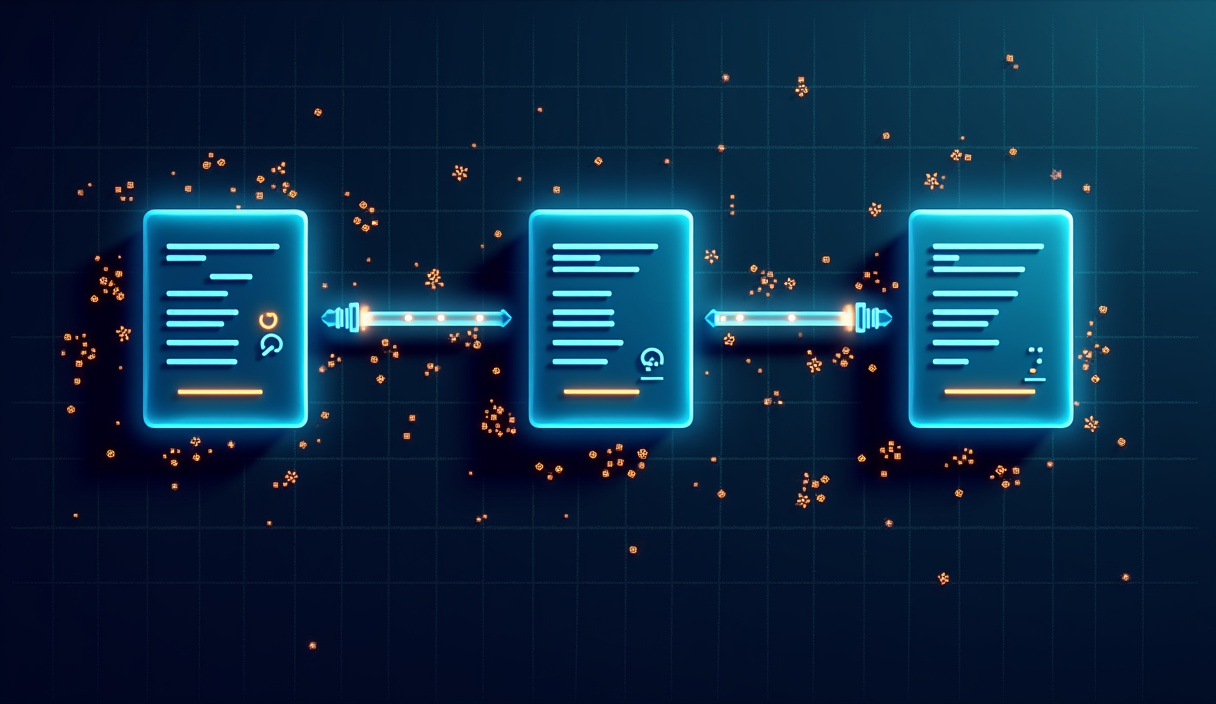
!Step-by-step build — what is rag ai ## Where this breaks
| Failure mode | Why it happens | Mitigation |
|---|---|---|
| Rate limits on OpenAI embeddings | Free tier caps at 3 000 requests/minute; higher usage can be throttled. | Batch chunks, add a Delay node, or upgrade to a paid plan. |
| Pinecone vector-store quota | Free tier limits 1 M operations/month; large corpora exceed it quickly. | Monitor usage via Pinecone dashboard; switch to a paid plan before hitting the limit. |
| Context window overflow | gpt-4's window is 8 192 tokens; concatenating too many chunks exceeds it. | Restrict topK to 3-5 chunks and truncate each to ≤ 200 tokens (as done in step 2). |
| Embedding drift | Adding new docs without re-embedding old ones can skew similarity scores. | Re-run the ingestion pipeline nightly or trigger on document change. |
| Token cost blowout | Each query incurs embedding + LLM tokens; heavy traffic can become pricey. | Cache query embeddings for repeated questions, set temperature=0 to reduce token usage, and enforce rate limiting at the webhook. |
| Authentication expiry | API keys rotated or expire after 90 days in some orgs. | Store keys in n8n's Credentials and set a reminder to rotate them; the workflow fails gracefully if a 401 is returned. |
Key truth: RAG does not eliminate hallucinations outright, but it cuts them by roughly 30-40 % when the retrieved context is high-quality (see OpenAI's best-practice guide).
For a deeper technical reference, see n8n's documentation.