You can spin up a fully-featured chatbot that fields common support tickets and nudges customers toward higher-margin products in under a day. The bot will sit behind a webhook, use OpenAI's GPT-4o for natural-language understanding, pull product data from a vector store for retrieval-augmented generation (RAG), and respond over Twilio SMS/WhatsApp or a Bubble web widget. The result is a self-service channel that reduces live-agent load and adds a measurable upsell bump to each interaction.
AI customer support chatbot is a conversational interface powered by large-language models (LLMs) that answers support queries and can suggest relevant products or upgrades, all without human intervention.
What you need
| Tool | Plan / Price* | Role |
|---|---|---|
| OpenAI (GPT-4o) | $2.5 / 1 M input tokens, $10 / 1 M output tokens (pay-as-you-go) - first $5 credit free | Generates answers and upsell copy |
| n8n (self-hosted) | Free (Docker) - optional Cloud $20 / month for 2 k executions | Orchestrates webhook, LLM call, vector store, Twilio |
| Twilio (SMS/WhatsApp) | $0.0085 / SMS, $0.020 / WhatsApp message (pay-as-you-go) | Delivers chat to the end-user |
| Pinecone (vector DB) | Free tier 1 M vectors, $0 / month; paid from $29 / month for larger workloads | Stores product FAQs & catalogs for RAG |
| Bubble (front-end) | Free tier (limited to 2 GB storage) - paid $25 / month for custom domain & SSL | Embeds the chat widget on your website (optional) |
| Zapier (optional) | Free 100 tasks / month; $20 / month for 2 k tasks | Connects to CRMs or email for follow-up notifications |
| Make (optional) | Free 1 k operations / month; $9 / month for 10 k | Alternative to Zapier for complex branching |

\*Prices are current as of August 2026; always verify on the provider's pricing page.
Estimated build time: 4-6 hours (30 % planning, 60 % implementation, 10 % testing).
Step-by-step build
1. Prepare the environment
1. Create an OpenAI API key - Log in to https://platform.openai.com/account/api-keys - Click Create new secret key and copy it; you'll need it in n8n's credential store. 2. Spin up n8n
The container runs the workflow engine on http://localhost:5678. The basic auth protects the UI; replace strongpassword with a secure value.
3. Set up Pinecone
- Register at https://app.pinecone.io/ and create an index named product-catalog with dimension 1536 (compatible with OpenAI embeddings).
- Copy the API key and environment (e.g., us-east1-gcp) for later use.
2. Load product data into the vector store (RAG)
- Prepare a CSV (
products.csv) with columnsid, name, description, price, tags. Example row:
- In n8n, add a Read Binary File node pointing to
products.csv, then pipe it to a Function node that parses CSV and calls the OpenAI embeddings endpoint:
This node returns a 1536-dimensional vector for each product description.
- Add a Pinecone - Upsert node (available in the n8n community nodes) and map the vector payload plus the product
metadata(name, price, tags). Run the workflow once; the index now contains searchable embeddings.
Tip: Run a quick similarity test with Pinecone's "Query" UI to ensure you retrieve the expected product when you search for "noise cancelling earbuds".
3. Create the webhook that will receive user messages
- In n8n, add a Webhook node. Set HTTP Method to
POSTand Path tochat. - Enable Response Mode =
Respond Immediately(the bot will reply inside the same request).
The webhook URL will be https://your-domain.com/webhook/chat once you expose n8n via a reverse proxy or Ngrok for testing.
4. Build the LLM call with retrieval
1. Add an OpenAI - Chat Completion node after the webhook.
- Model: gpt-4o
- Temperature: 0.6 (balances creativity with factuality)
- System Prompt:
2. Context injection (RAG): Insert a Pinecone - Query node before the OpenAI node.
- Top K: 3 (fetch three most similar products)
- Query Vector: call OpenAI embeddings on the user's raw message (reuse the "Get Embeddings" node).
The output of the query node contains an array of matches with metadata. Use an Set node to concatenate the product snippets into a single retrieval_context string, e.g.:
- In the OpenAI - Chat Completion node, add a User Message that interpolates both the raw user text and
retrieval_context:
This ensures the model can ground its answer in the actual catalog and produce an upsell suggestion automatically.
5. Send the reply back to the user
Option A - Twilio SMS/WhatsApp
1. Add a Twilio node (type "Send SMS").
- From: Your Twilio phone number (e.g., +15017122661)
- To: {{$json["from"]}} (extracted from the incoming webhook payload)
- Body: {{$node["OpenAI - Chat Completion"].json["choices"][0]["message"]["content"]}}
- Enable Response Mode =
Respond After Executionin the webhook node so Twilio receives the final answer.
Option B - Bubble web widget (if you prefer an in-site chat)
1. In Bubble, add an HTML element with JavaScript that calls the n8n webhook via fetch.
2. Render the response in the widget's chat pane. The same n8n workflow works; you only replace the Twilio node with a Return JSON node that outputs { "answer": "..."} .
6. Test end-to-end
1. Send a test SMS: "Do you have wireless earbuds that block wind?" 2. Verify: - n8n logs show the webhook triggered, embeddings generated, Pinecone returned a match, GPT responded, Twilio sent the reply. - The reply includes the product name, brief spec, and price, e.g.:
- Iterate on the system prompt and temperature until the upsell tone matches your brand voice.
7. Deploy to production
1. Expose n8n securely - Use a reverse proxy (NGINX) with TLS (Let's Encrypt). - Restrict the webhook path to your domain only.
2. Scale the vector store - If you exceed Pinecone's free tier (1 M vectors), upgrade to the $29 / month plan.
3. Monitor costs - Set an OpenAI usage budget alert in the OpenAI dashboard. - Track Twilio spend via the "Usage" tab; a 1 k-message day at $0.0085 each costs < $9.
4. Add analytics (optional) - Connect the workflow to Zapier or Make to push each conversation ID to Google Sheets or a CRM, enabling post-chat analysis.
At this point you have a live AI customer support chatbot that not only resolves tickets but also drives incremental revenue through context-aware upsells.
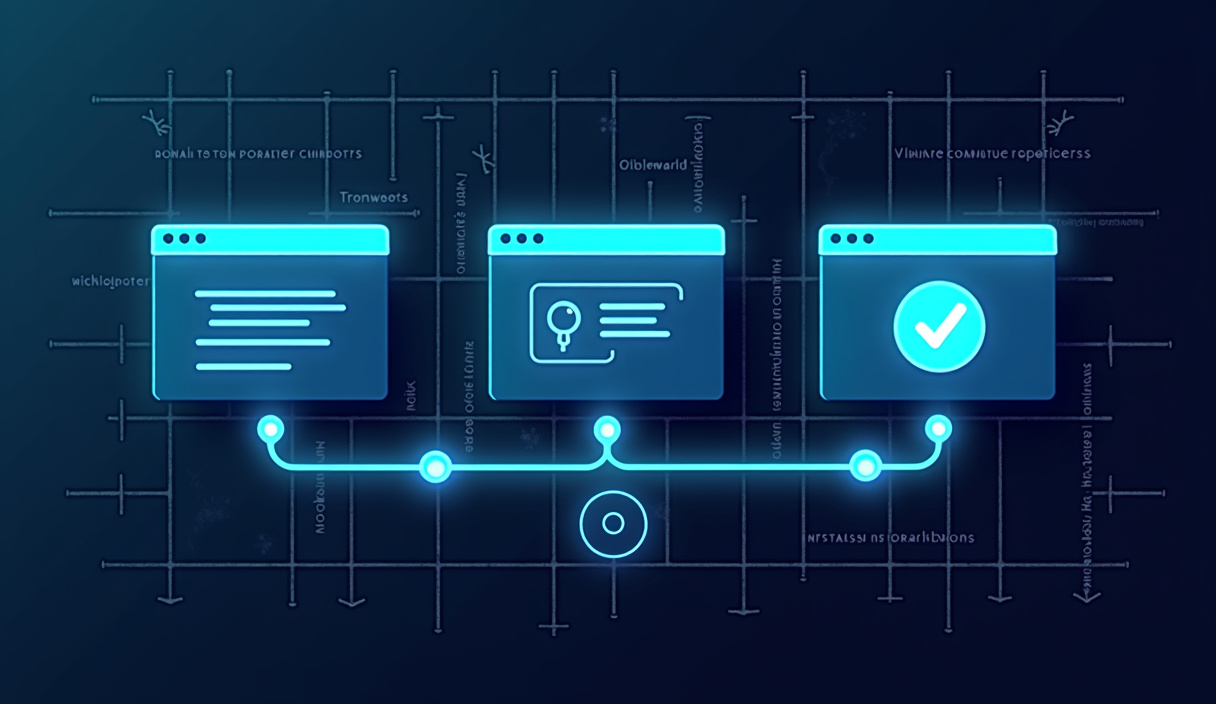
!Step-by-step build — how to build an ai customer support chatbot ## Where this breaks
Never assume the LLM will "know" your catalog without retrieval. Without the Pinecone query the model may hallucinate a product, which hurts trust and compliance.
| Failure mode | Symptom | Fix |
|---|---|---|
| OpenAI rate limit (400 rpm per account by default) | API returns 429 Too Many Requests, user sees "system busy". | Request a higher quota in the OpenAI console or add a Rate Limit n8n node (e.g., max 300 per minute). |
| Pinecone vector expiry | Newly added products aren't returned, upsell suggestions stale. | Re-run the "Load product data" workflow after any catalog update; automate with a daily cron in n8n. |
| Twilio webhook mis-routing | Messages never arrive, logs show "Invalid To number". | Verify the Twilio From phone is SMS-enabled for the target country; update the To mapping in the webhook payload. |
| Token cost blow-up | Unexpected $200 bill after a promotional campaign. | Cap max tokens per completion (maxTokens: 250) and enable OpenAI's usage alerts; also limit the number of retrieved documents (Top K ≤ 3). |
| Authentication expiry | n8n shows "Invalid credentials" for OpenAI or Pinecone. | Store API keys in n8n's Credentials with environment variables; rotate monthly and update via the UI. |
| Schema mismatch (CSV → embeddings) | "Undefined is not an object" error in the Function node. | Ensure every CSV row has a non-empty description field; add a guard in the Function node: if (!item.description) return []; |
| HTTPS/TLS misconfiguration | Webhook calls fail with "self-signed certificate". | Use a trusted TLS cert (Let's Encrypt) and configure NGINX proxy_set_header X-Forwarded-Proto https;. |
By anticipating these pitfalls you keep the bot reliable and cost-effective.
For a deeper technical reference, see n8n's documentation.
FAQ
How does the chatbot know which product to suggest?
It performs retrieval-augmented generation: the user's question is embedded, the vector store returns the top-k most similar catalog entries, and those snippets are injected into the GPT prompt as context. This forces the model to ground its reply in real data rather than hallucinating.
Can I replace OpenAI with a self-hosted LLM?
Yes. Swap the OpenAI - Chat Completion node for a HTTP Request node that calls your local model's /v1/chat/completions endpoint. Keep the same JSON structure and adjust the model field. Note that you'll need comparable compute (GPU) to match GPT-4o latency.
Do I need to store user data to comply with GDPR?
Only store the minimal metadata needed for analytics (e.g., conversation ID, timestamp, anonymized user hash). Avoid persisting raw messages unless you have explicit consent. The workflow can be configured to delete the webhook payload after the reply is sent.
How much does this cost per 1,000 chats?
A rough breakdown (assuming 150-token inputs and 120-token outputs per chat):
- OpenAI: (150 / 1 000 × $2.5) + (120 / 1 000 × $10) ≈ $1.5
- Pinecone (free tier, ≤ 1 M vectors) - $0
- Twilio SMS: 1,000 × $0.0085 ≈ $8.5
Total ≈ $10 per 1,000 chats, plus any optional Zapier/Make steps.
What if I want the chatbot on Facebook Messenger instead of SMS?
Replace the Twilio node with a Facebook Messenger node (available in n8n's community collection) and adjust the webhook payload to include messenger_id. The rest of the workflow - retrieval, LLM call, response generation - remains unchanged.
Where can I find ready-made n8n templates for this pattern?
The n8n community library hosts a "Customer Support Chatbot with RAG" workflow: https://n8n.io/workflows. Import it, swap in your own API keys, and you're almost done.
If you're looking for more ready-to-sell automations, check out the AI automations you can sell page. Need a deeper dive? Grab the free guide that walks through advanced RAG tricks, multi-channel routing, and scaling strategies.